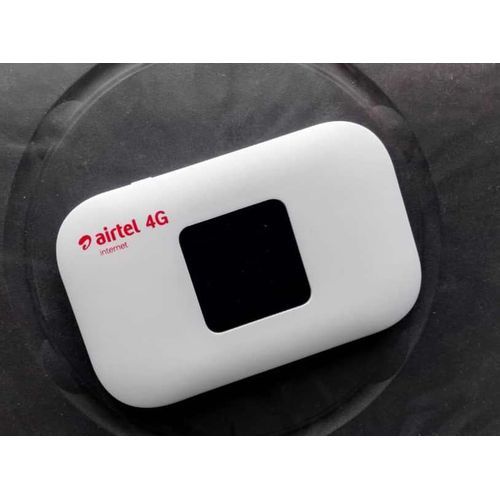
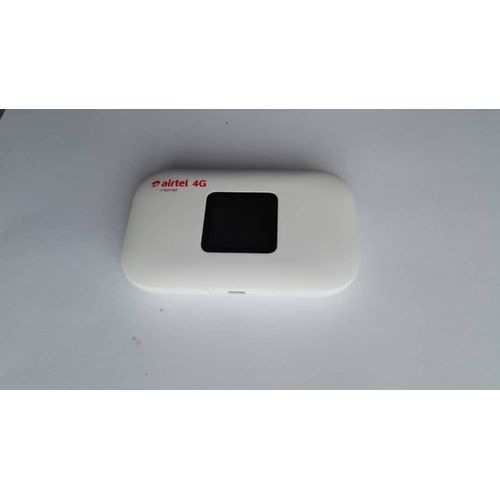
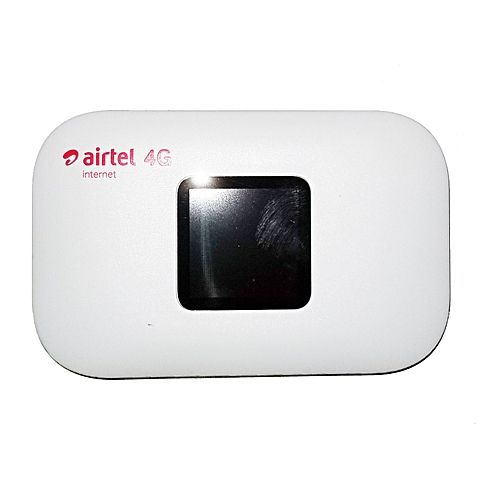
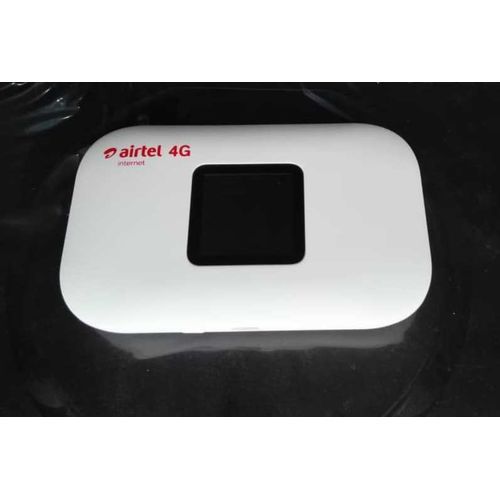
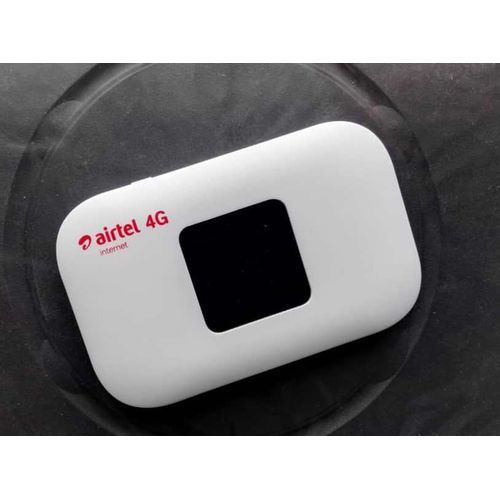
Airtel 4G LTE MiFi WiFi Internet Router HotSpot
$3,000.00
$8,600.00
Description
Airtel 4G LTE Router Hotspot model VIDA M2 is the latest VIDA model that offers super-fast 4G LTE internet browsing and download speed, for home, office and when you are on the move.
It is a battery operated 4G Hotspot LTE Router with Wi-Fi support. You just need to slip it in your pocket and create a Wi-Fi zone anywhere you go.
Works with ONLY Airtel 4G and Airtel 3G Networks in Nigeria
Model Name VIDA M2 LTE Router Commodity LTE Router
In The Box 1 LTE Router, 1 Battery, 1 USB Cable, 1 User Manual
Battery Voltage 3.7
Manufactured vida Telecom, Singapore.
Note: DO NOT remove the 4G SIM card when the Hotspot is powered on as this may damage the card and the Hotspot.
Setting up Wi-Fi connection or wired connection
1. set up Wi-Fi connection or wired connection as below.
2. Make sure the Wi-Fi functions on.
3. Select Start> Control Panel> Network Connection> Wirelessn Network connection.
4. Click "View avaiable wireless networks" to show a list of available Wi-Fi networks.
5. Select the wireless network connection with the 4G Hotspot SSID and click "Connect".
Note: How to change SSID &Password
1. Log in to http://192.168.0.1 and enter the management page.
2. Select Wireless> Wireless Security Settings, then you will see "Network Name (SSID)" and "Wi-Fi Password". Ensure you delete the old name and password and enter the new name and new password as your required.
3. Select "Apply" button, then log out.
4. Wait for computer or laptop screen to display the Wi-Fi icon . This means the wireless network connection has been successful.
Charging your Hotspot
1st. method: Charging by power adapter
1. Use compatible power adapter ( 5v, 1000mA).
2. Power adapter is an optional accessory
Get the latest Airtel 4G LTE Router Hotspot model VIDA M2 today and you will be very happy with your purchase.
Thank you for choosing the Airtel 4G Hotspot